

Capture in one queue
Bring in leads from manual entry, CSV upload, a website chatbot, and connected sources without splitting the workflow.
Leads, Chat, And Pipeline
A lead operations workspace for capture, qualification, follow-up, website chat, calls, and the pipeline that follows.
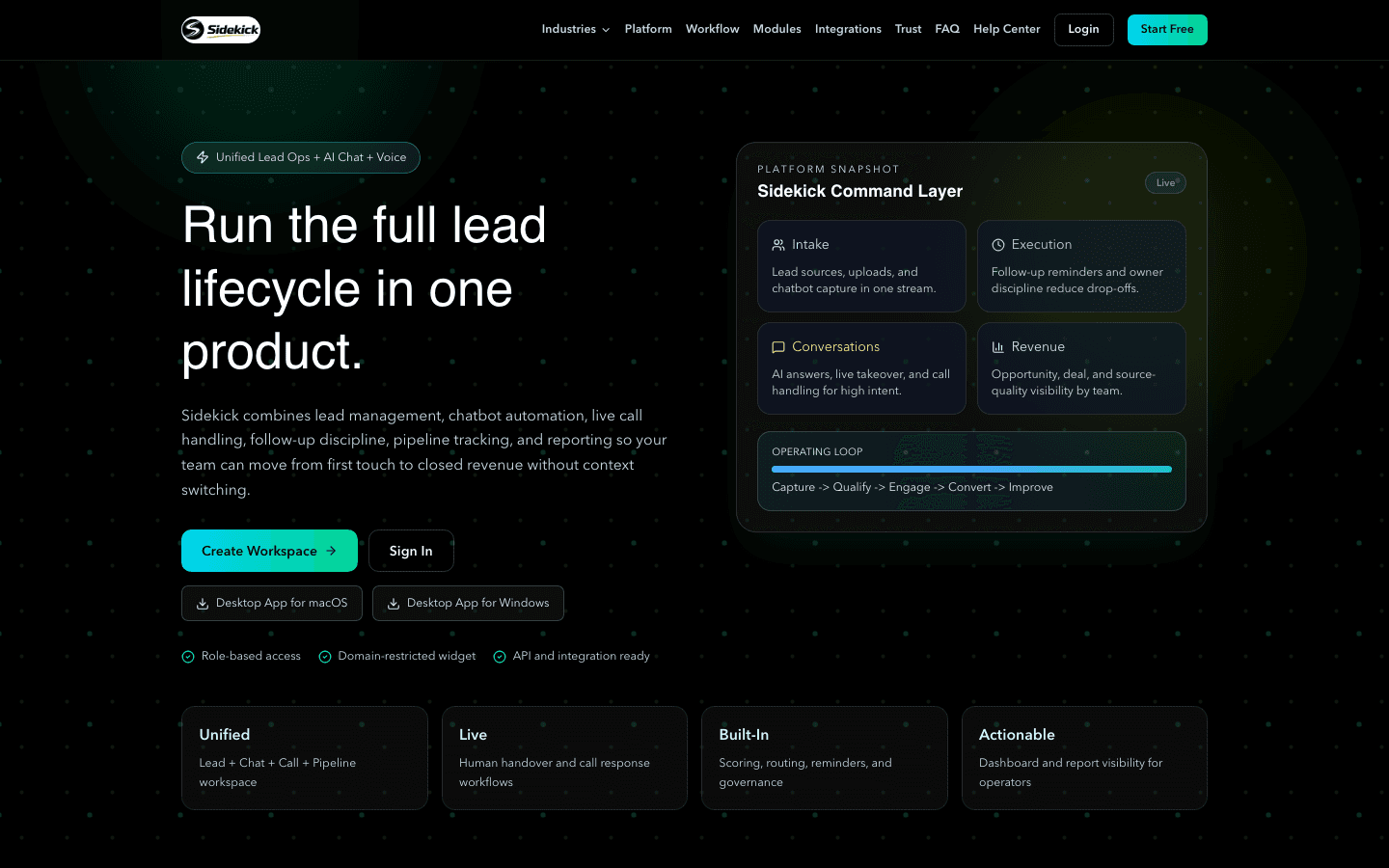
Welcome To Sidekick
Sidekick is InfoDrive's lead management product. Sales, support, and operations teams capture leads, qualify them, and keep follow-up, chat, and calls in the same flow as the pipeline.
Managers can see overdue follow-ups, ownership, and stage movement. Teams can start with lead operations and reminders, then add the chatbot, knowledge documents, and call handling when the process is ready.
Connected Workflows
The work stays in one organization, with roles deciding who can view, edit, assign, or configure it.
Bring in leads from manual entry, CSV upload, a website chatbot, and connected sources without splitting the workflow.
Score leads, enforce custom fields, and apply assignment rules so the right owner gets the right lead.
Reminders, calendar visibility, and ownership keep the next step visible, including what is overdue.
Turn qualified leads into opportunities and deals, then watch source quality and stage movement.
Engagement
Website visitors can start in the chatbot. A person can take over the session, and voice-call workflows cover visitors who are ready to talk.
Who It Serves
Sales teams get a cleaner handoff and a visible next step. Support and call operations get session context when a visitor needs a person. Founders and operations leads get lead quality, pipeline health, and whether follow-up is actually happening.
One Workspace
Domain, fields, roles, and one lead source can go live first. Scoring, routing, and chat follow once the team is using the queue.
Run a website chatbot with knowledge documents, hand the conversation to a person, and support voice-call workflows for high-intent visitors.
Duplicate checks, merge control, notes, attachments, and communication history stay on the lead before anyone reaches out.
Permissions cover leads, users, chatbot settings, integrations, and live-call work, so each role sees the work it owns.
Google Sheets, Airtable, email, Calendly, a website embed, and API keys give teams a way to bring work in and send work out.
Explore Sidekick
Tell us how leads arrive today and where follow-up breaks down.
